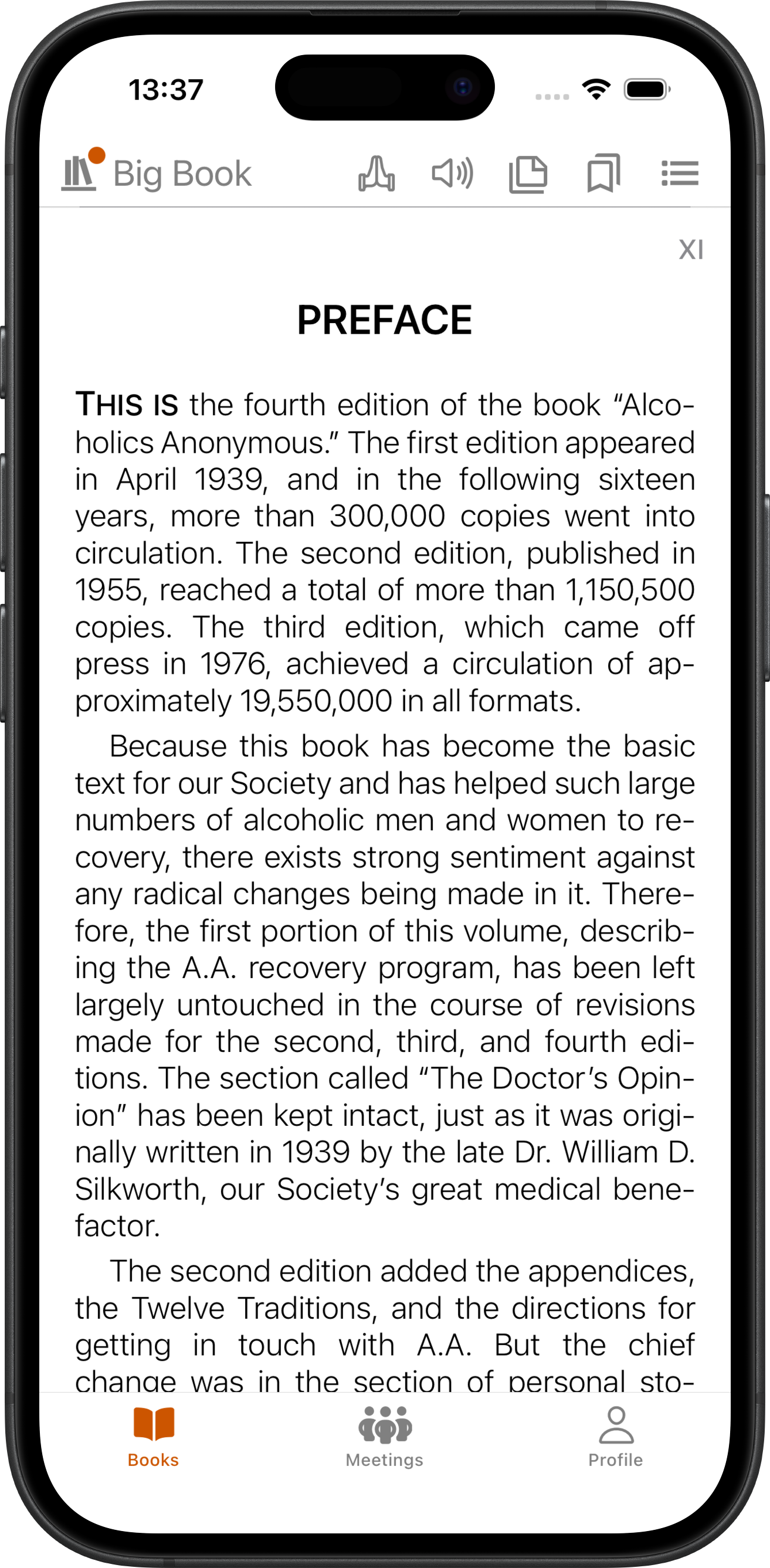
Read, study, and make it yours
This is your SoberHub reader guide. Recovery literature with built-in audio, cross-references between books, bookmarks, notes, highlights, and CarPlay and Android Auto support - all in one free app.


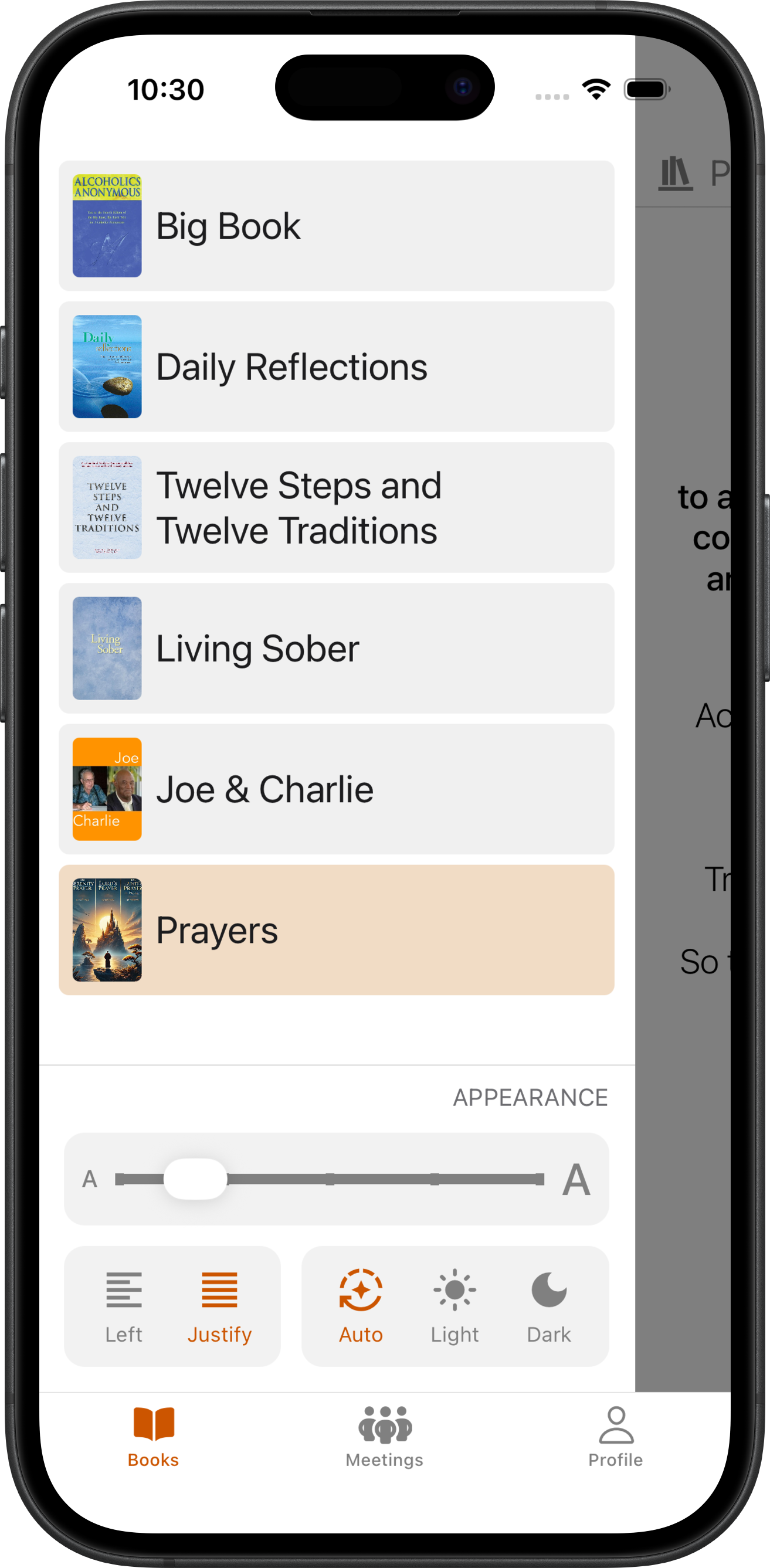
Your whole library, one app
Recovery literature, daily reflections, study guides, and audio - all in one place. Adjust font size, switch between light and dark mode, and pick up right where you left off.
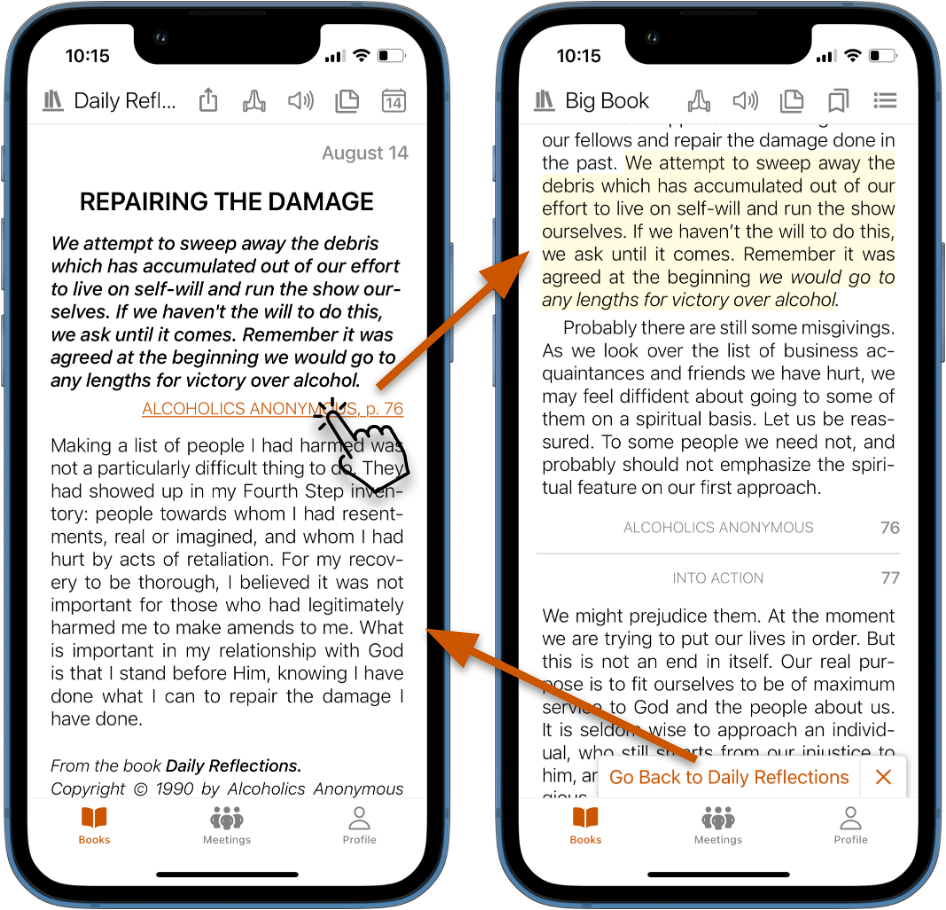
Cross-references that connect the dots
Tap a reference in Daily Reflections and jump straight to where it appears in the Big Book. Tap back to return. No flipping, no searching, no guessing.
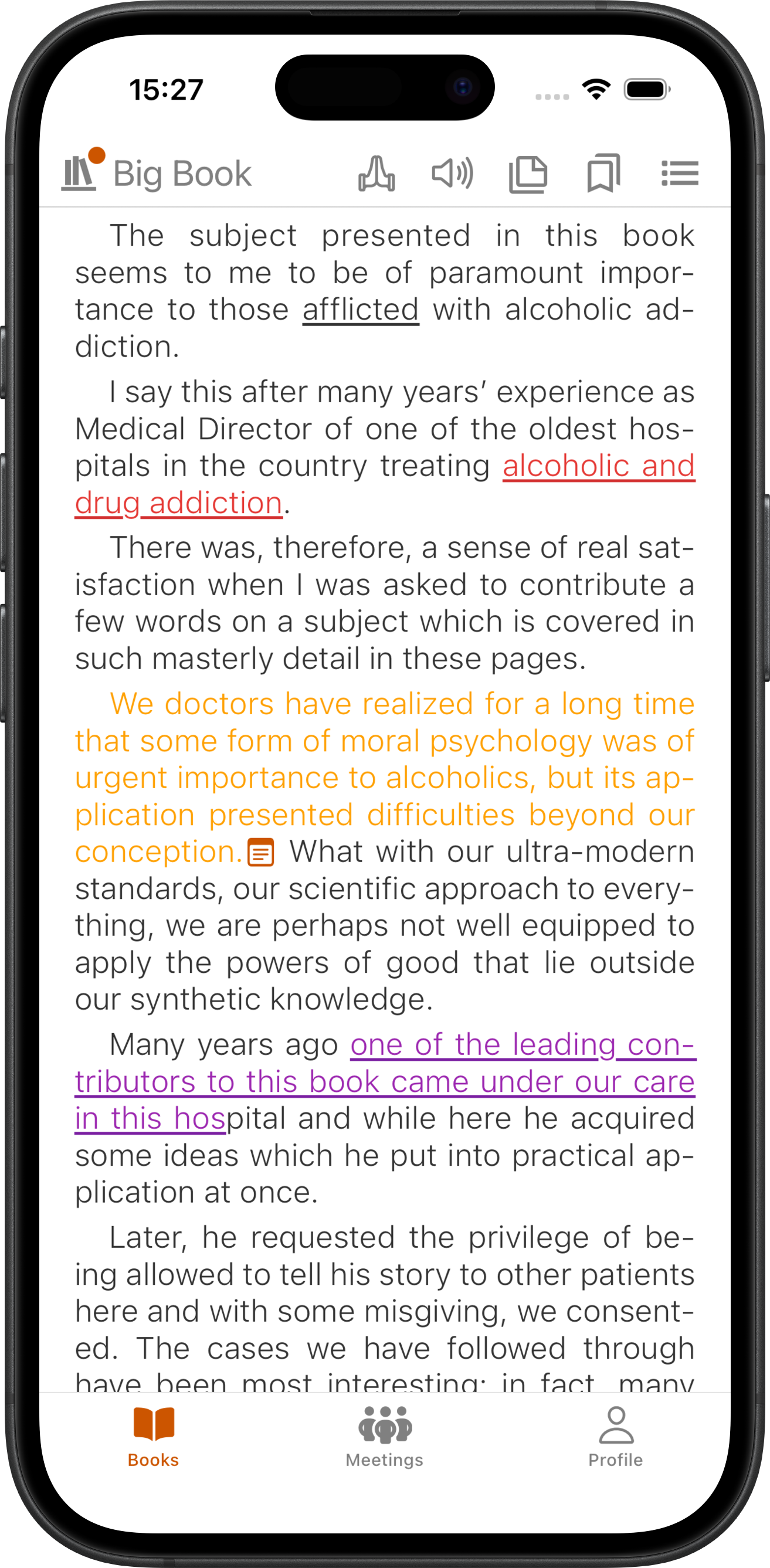
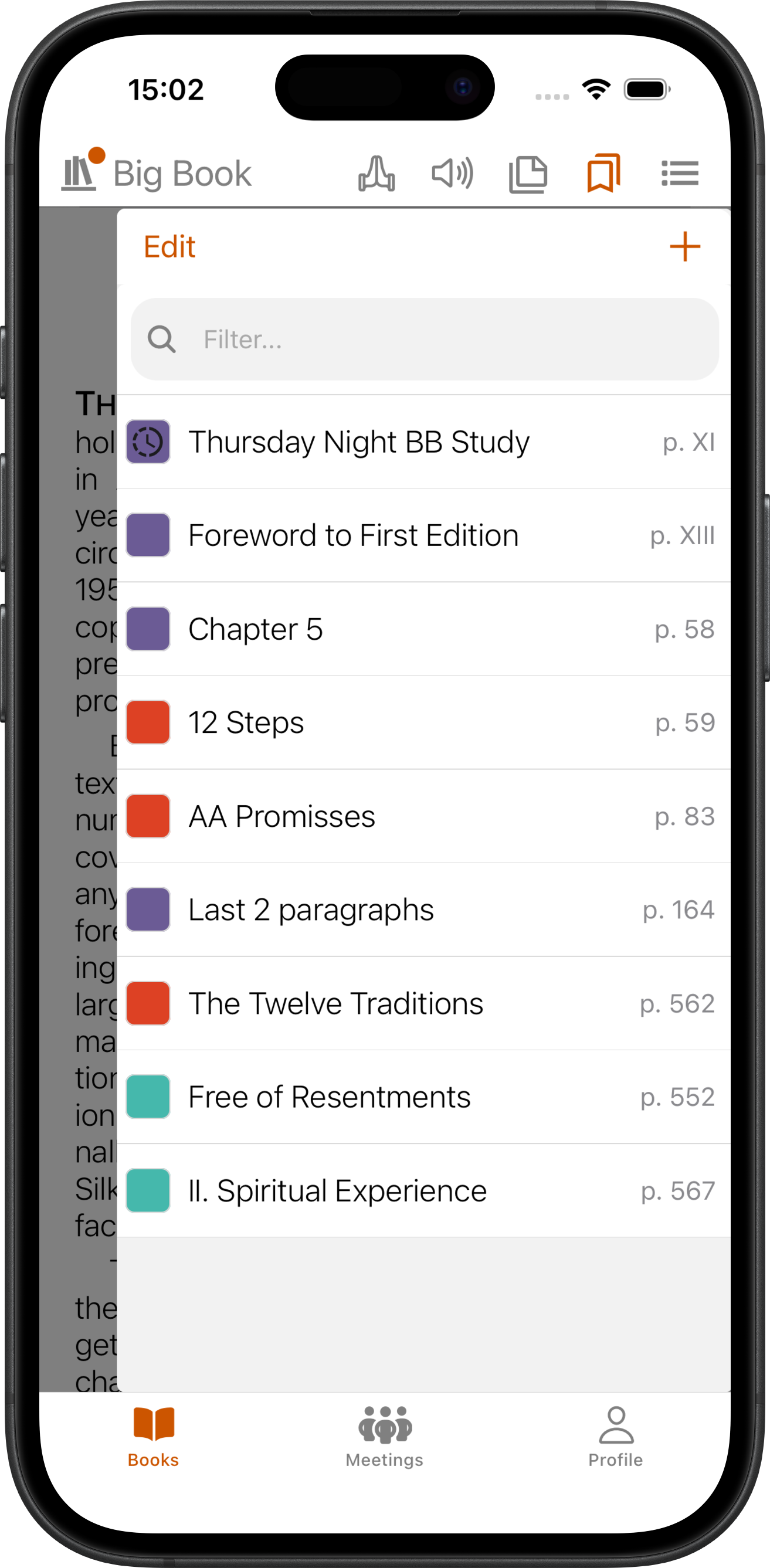
Bookmarks, notes, and highlights that stick
Color-code your bookmarks by meeting or topic. Use floating bookmarks to track where each meeting left off. Select any passage to highlight or add a personal note. Everything stays with you across sessions.
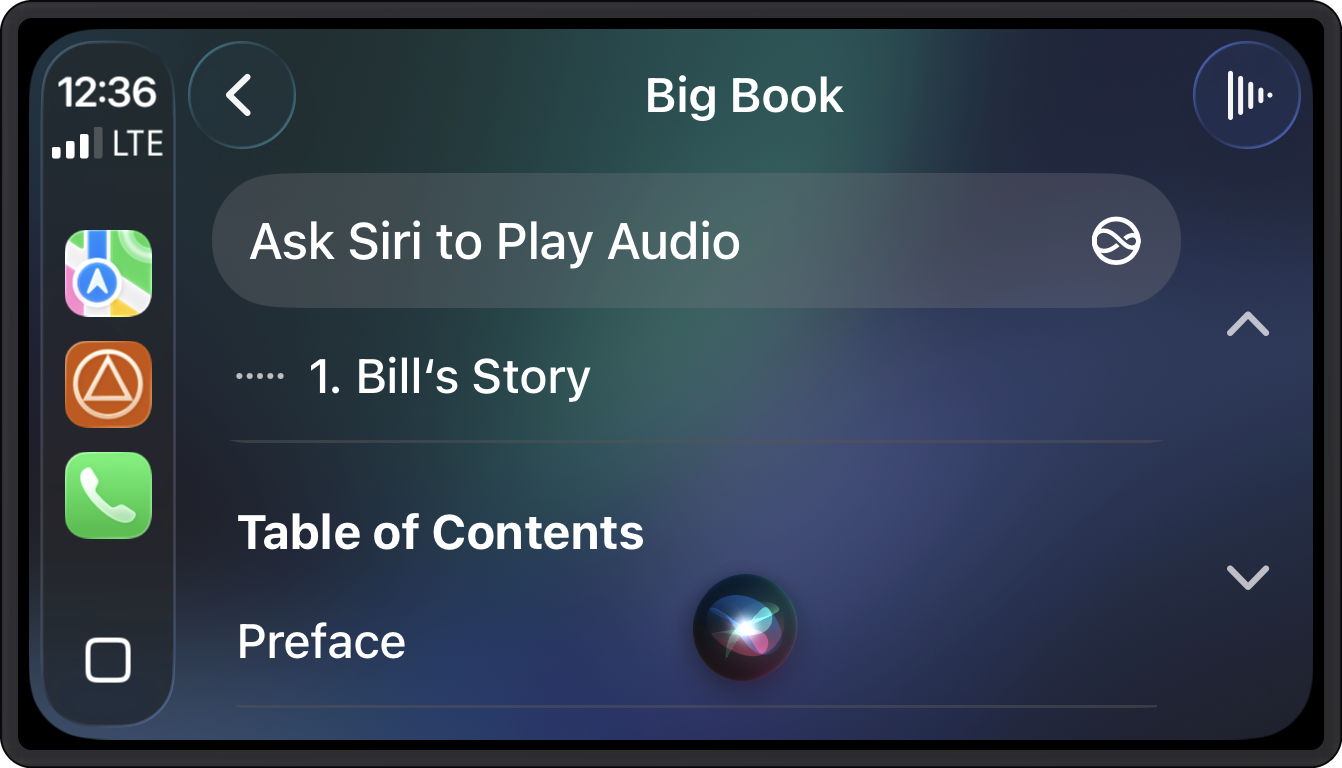
Take recovery on the road
Listen to recovery literature hands-free with CarPlay and Android Auto. Say "Hey Siri, play Working With Others on SoberHub" or use Google Assistant to start any chapter by voice. Download audio for offline listening. Switch between reading and listening mid-chapter - SoberHub keeps your place.
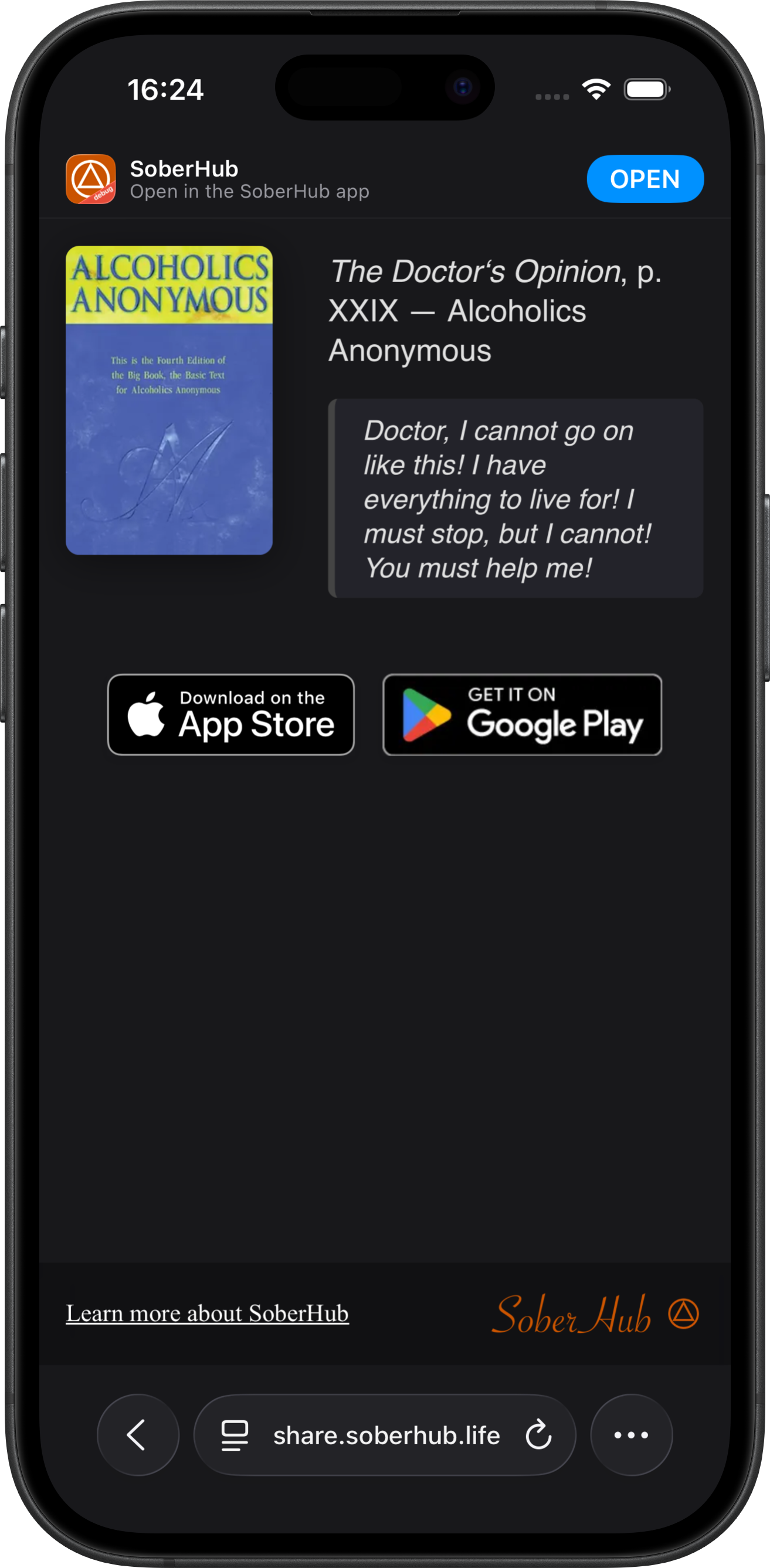
Share what hits you
Select any passage and share it - as a message, a social post, or a link with a rich preview that opens directly in the app. What helped you might help someone else.
See it in action ->Start reading - it's free
Free, no-ads on the SoberHub App.
iOS
Android